One main thing I wanted was buttons from the factory radio to work with Kodi (XBMC). I will also have steering wheel controls, but working radio buttons is damn cool!
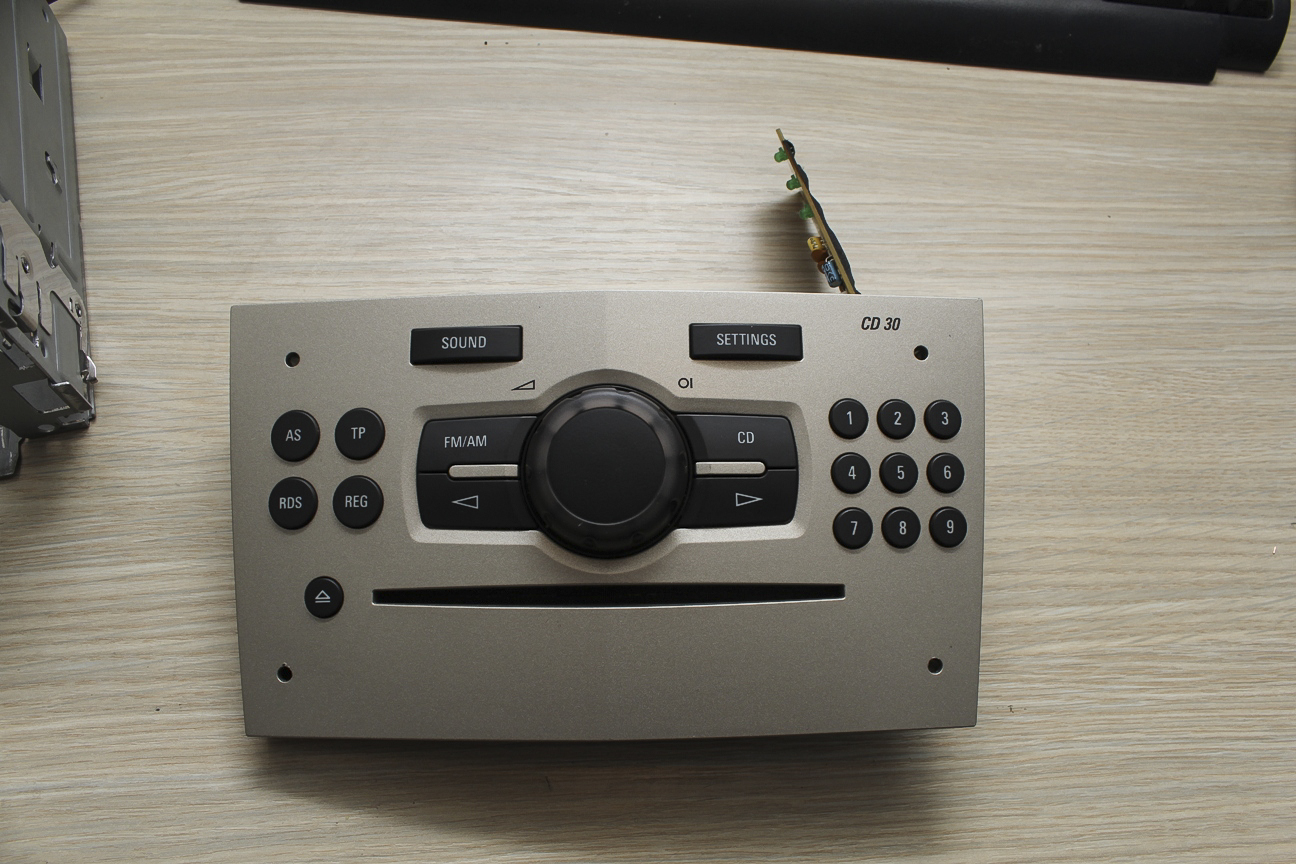
I had some ideas in my head. I started with what I had – Raspberry Pi. It has GPIO pins. You can use them to interface buttons with your software, like Kodi. And that was one approach. One other idea that clicked in my head was – keyboard controller. It has 100+ key commands you can use, it’s dead simple to interface with Raspberry Pi – via USB, it’s also very easy to set them to work with XBMC, just edit the keymaps. Also, the best thing – GPIO pins will remain free for other modules.
I started with finding compatible keyboard with your Raspberry Pi (most work, but be sure to check). I have disassemble it, and checked where each key on the keyboard goes in which pin – this is best done with continuity tester. I had this option on my multimeter. You can also do it with tracing the etched conductive tracks, but it’s harder. I had 2 separate connectors on my USB keyboard controller, lets call it A and B. A has 20 and B has 8 pins. Combination of some A and B pin gives number/letter or special character. For example – A1 pin and B4 pin gives letter A. I think this is keyboard model specific so you better check each key one by one.
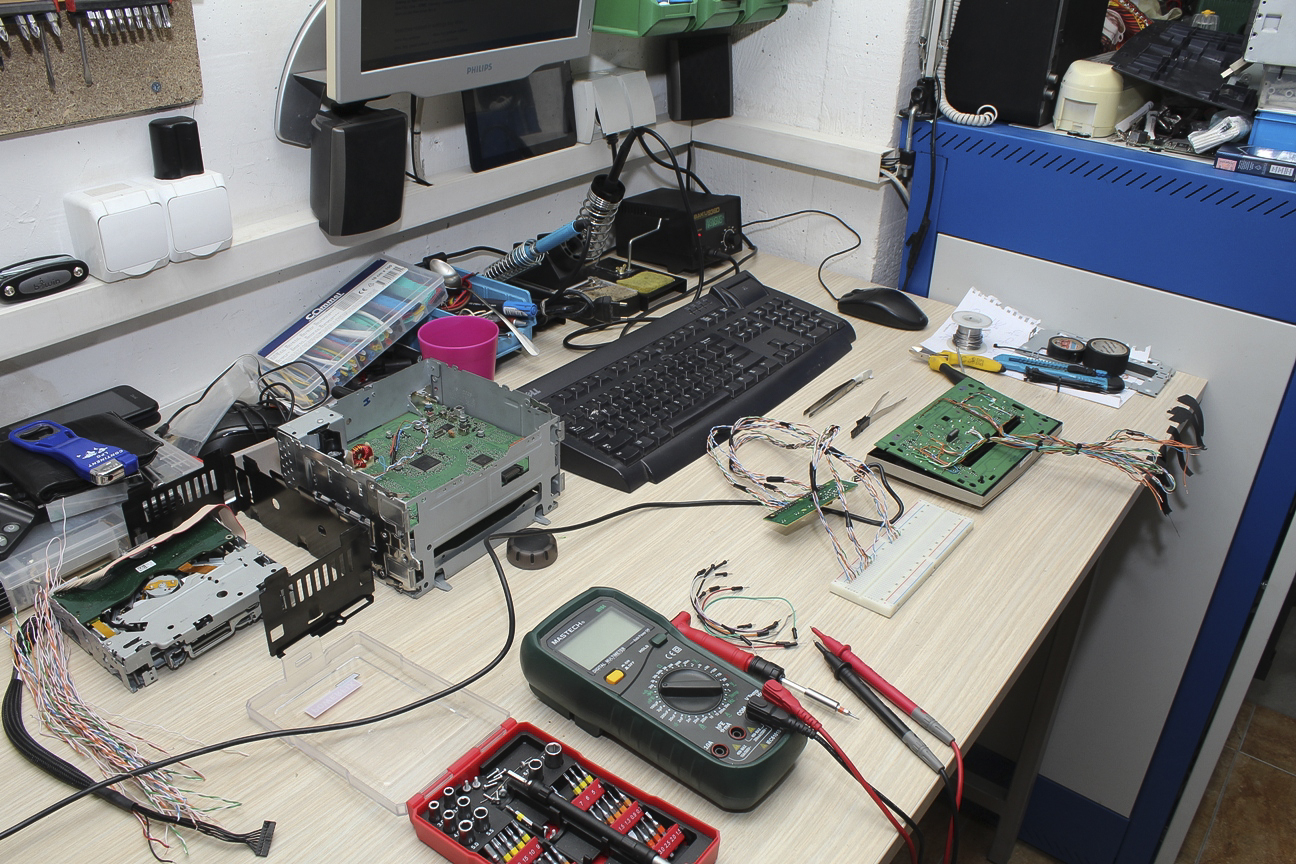
Then, I rewired all 20 buttons on my factory radio. I first started on having independent wires on each button, but then I realized I can use one common wire for 9 buttons, that means 3 common wires for entire board. That also means reducing the number of wires.
I got my breadboard with all connections from the USB controller lined up. I used it for testing each button separately to check it if it works directly in Raspberry Pi.
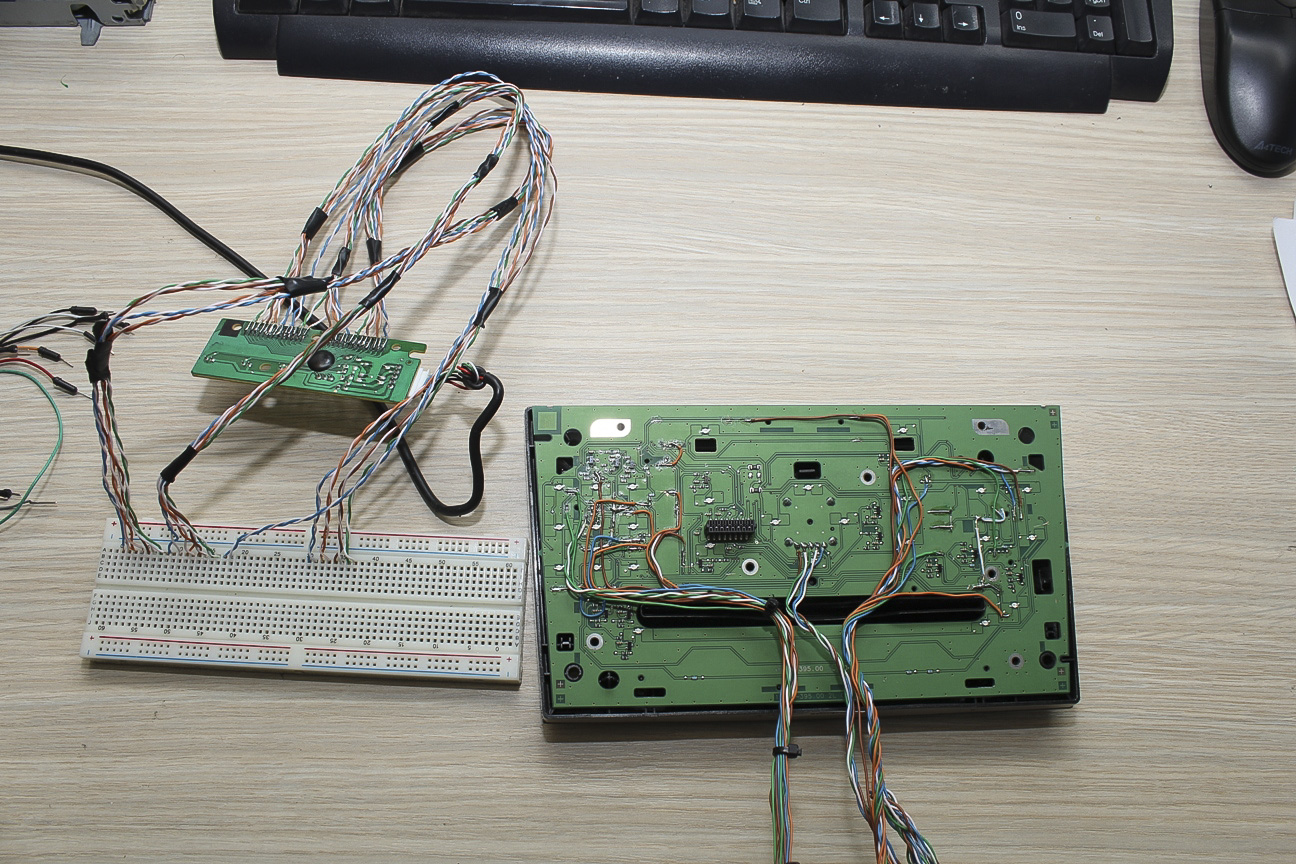
I made my final connections, soldered them and put several layers of heatshrink, just to be sure. Those 5 wires still sticking out are from the rotary encoder. They will remain like that for now, because I still have to find a way to connect it to the Raspberry Pi to act as a volume control.
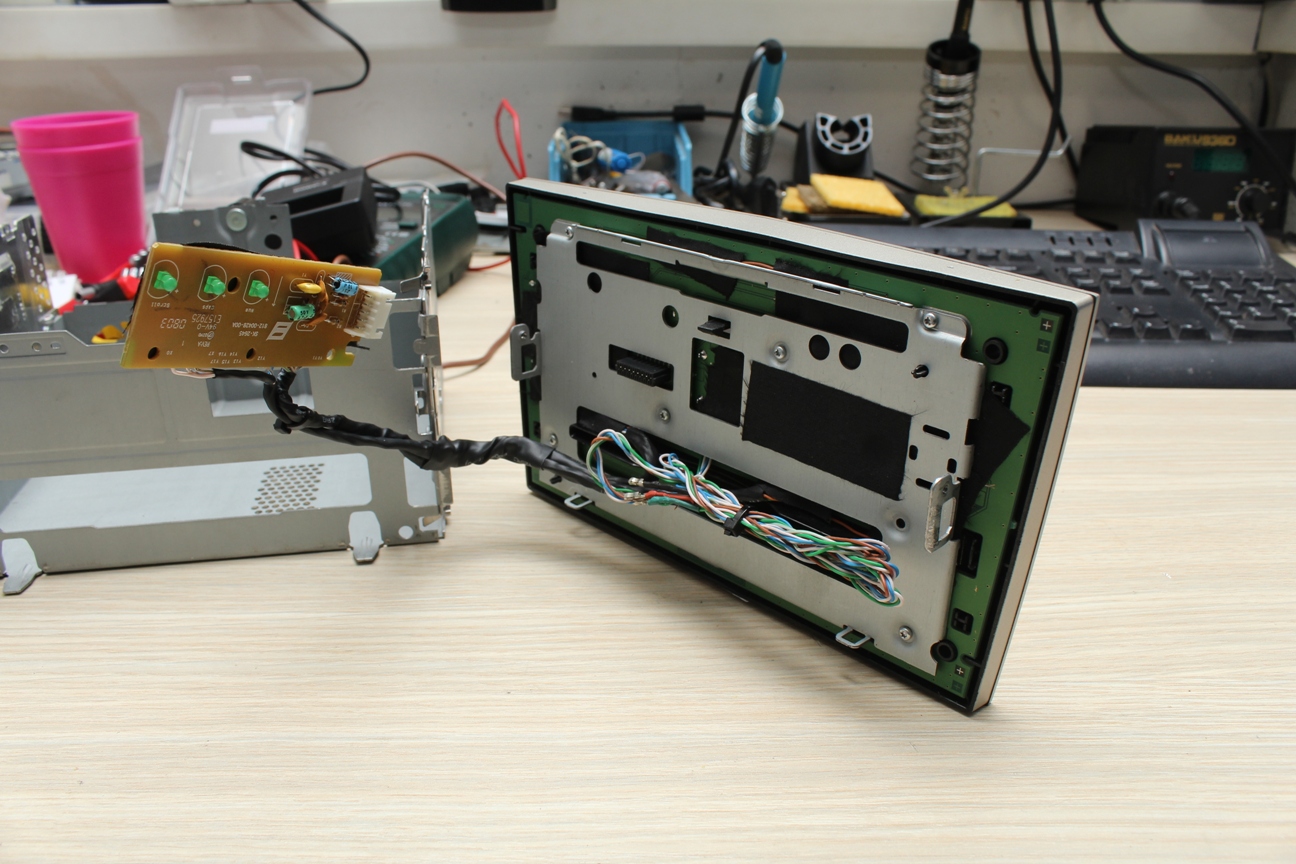
Here is the USB keyboard controller placed in the radio enclosure, taking minimal space. I removed the CD circuitry as I won’t use it from now on since I’m installing CarPC, and also I needed space for Raspberry Pi and it’s modules. And this is the perfect space.

I programmed the keys in Kodi with it’s official Programs add-on Keyboard Editor. They work flawlessly. I’m very happy with the results.


Leave a Reply